


Innovate or Pay
Innovate or Pay is the current service for fiscal year 2026 and the most detailed chapter of the guide. This first section presents the scheme and the journey; each step is then explained in its own section.
What is it?
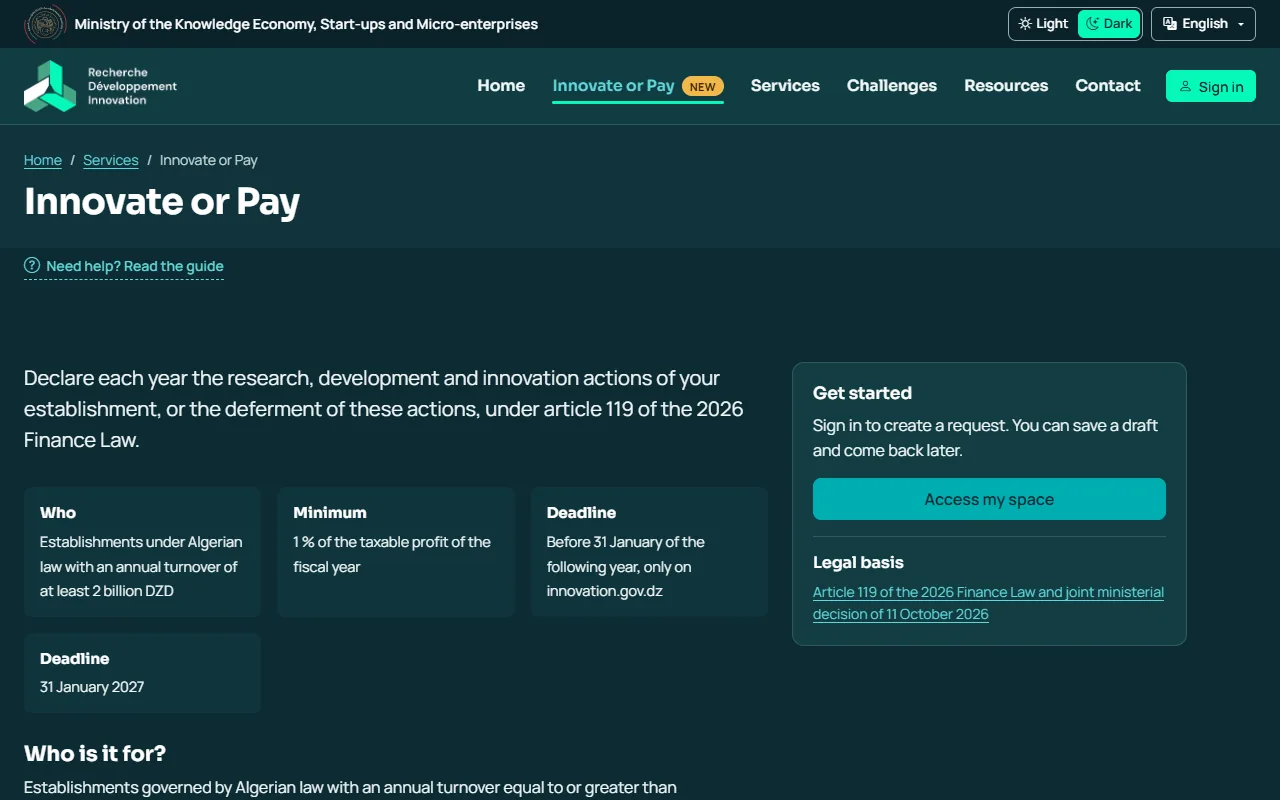
Eligible institutions declare on innovation.gov.dz their research, development and innovation expenses for fiscal year 2026.
- All sectors of activity are concerned.
- The institution must have an annual turnover of at least 2 billion DZD.
- The minimum reference is 1 % of the taxable profit of the fiscal year, allocated to R&D&I activities.
- Activities can be carried out within the institution or under an open innovation program with a labelled start-up, scale-up or incubator.
- Filing is done only on innovation.gov.dz, before 31 January 2027 for fiscal year 2026.
- Three types of declaration: ordinary, deferment and Néant.
The five headings of annex 1 (Direct investment in innovation, Use of innovation / R&D results, Partnerships with research institutions, Innovation support structures, Investments through the financial market) are categories of eligible activities, not economic sectors.
The journey of a declaration
- Choose the organization (Acting for menu or creation form) — section 2.
- Choose the fiscal year: 2026.
- Enter the annual turnover — section 3.
- Enter the taxable profit (optional unless the active rule requires it; it is used for the indicative calculation of the 1 % minimum).
- Choose the type of declaration — ordinary, deferment or Néant.
- Choose the eligible activities — section 7.
- Enter the amounts.
- Check the Summary on the right of the screen.
- Upload the supporting documents — section 8.
- Review and submit — section 9.
- Follow the status of the request — section 13.
- Download the one-page official PDF documents when they are issued — section 12.
All sections
- Overview and eligibility
- Registration, identity and organization
- Fiscal year and figures
- Ordinary declaration
- Deferment request (annex 3)
- Néant declaration
- Activities and amounts
- Supporting documents
- Review and submit
- Deadlines and rejection cases
- Action required, correction and no response
- PDF documents, QR and verification
- Status tracking and notifications
- Rolling years and follow-up obligations