

Review and submit
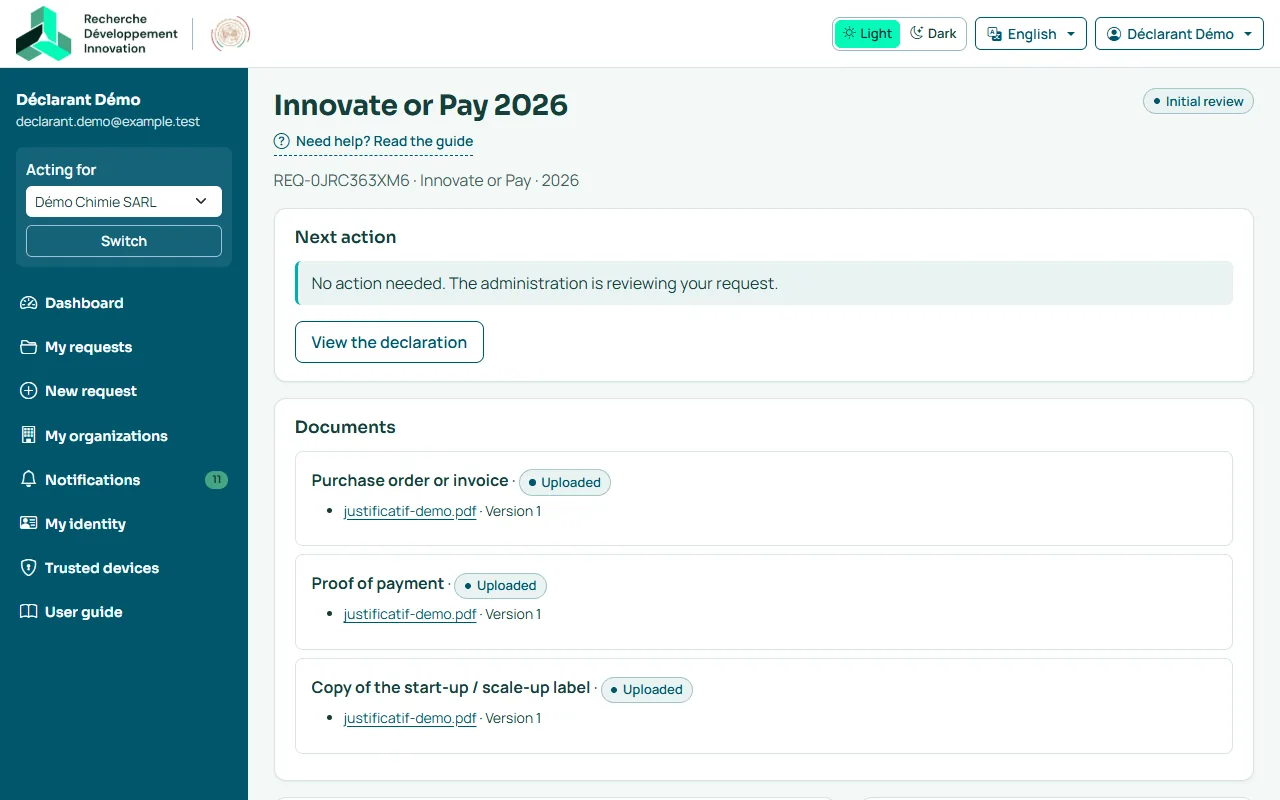
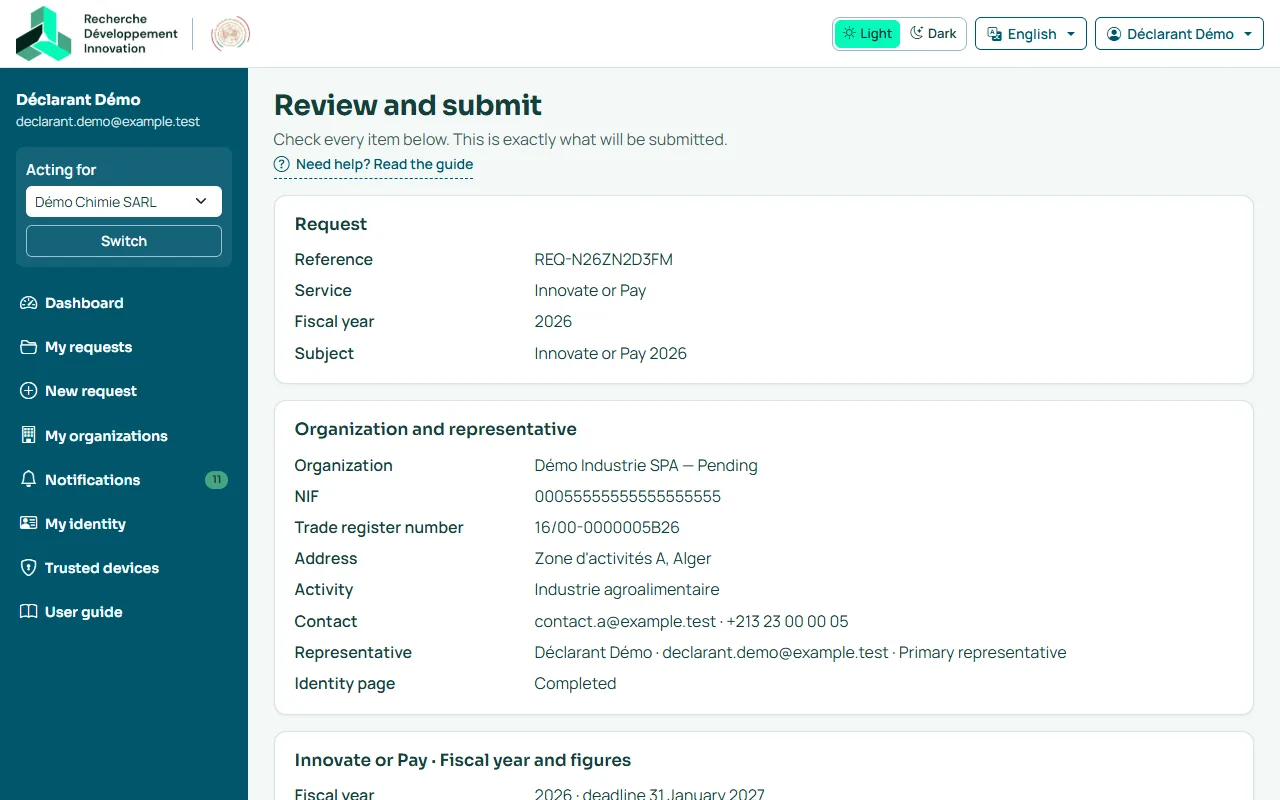
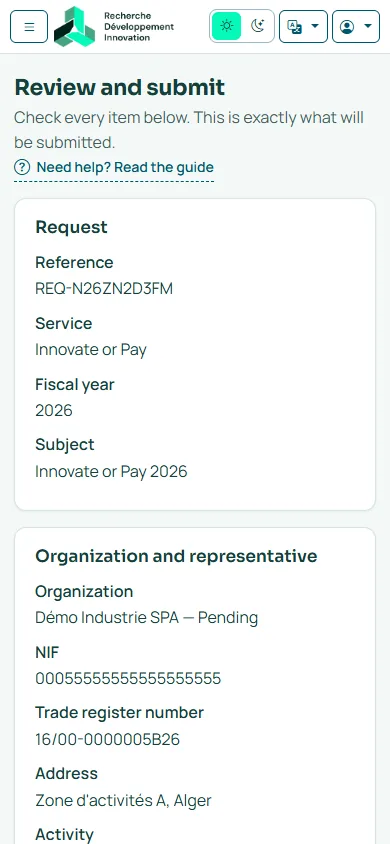
The last step before sending: the review page shows exactly what will be sent. As long as something is missing, submission is not possible.
“Review and submit” step
Check the organization, fiscal year, figures, each activity and each document. As long as something is missing, the page says so. Tick the statements, then click Submit the request.
After submission, the request can no longer be edited or cancelled in the ordinary way. If the administration needs more information, it will ask you (see Action required, correction and no response).
What is the difference between saving and submitting?
Save keeps your work without sending anything. Submit the request, on the review page, sends it to the administration and locks it.