

Status tracking and notifications
After submission, the status of the declaration and the notifications tell you at every moment what is happening and what you need to do.
The statuses of an Innovate or Pay declaration
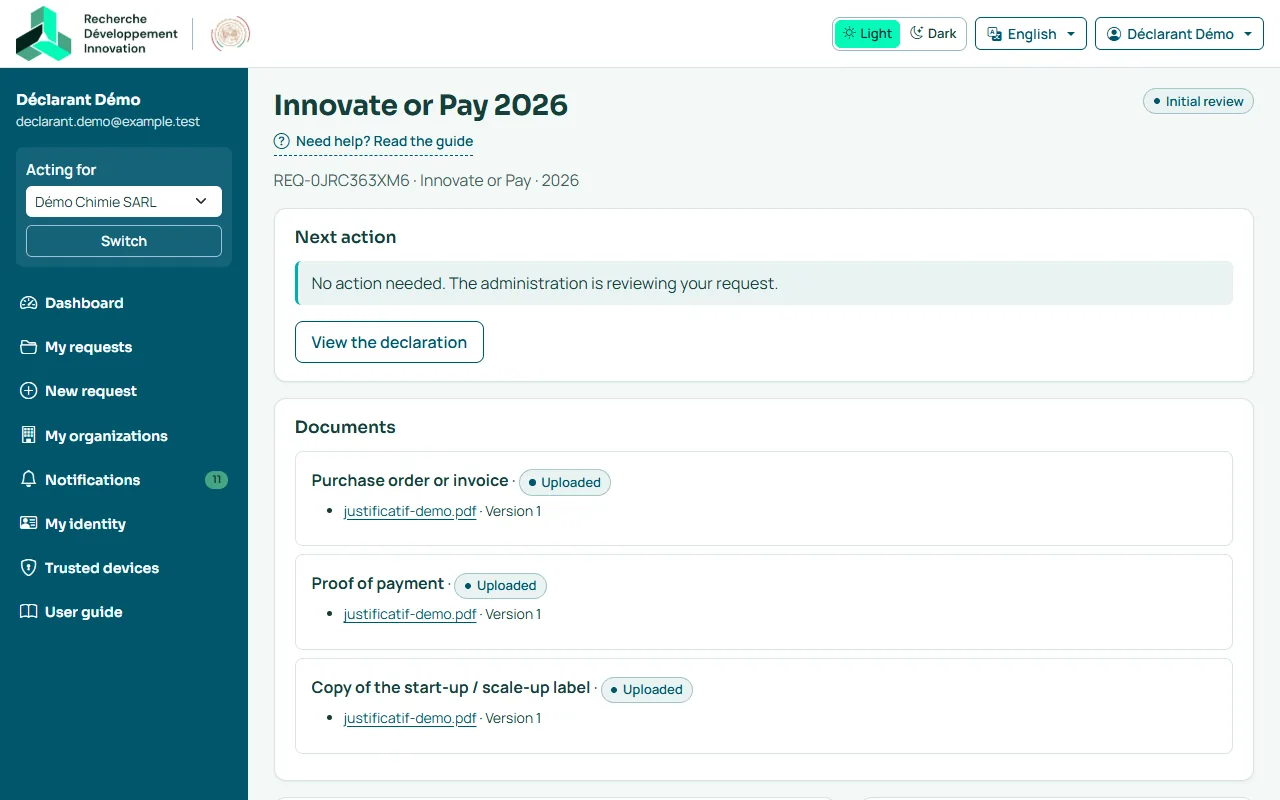
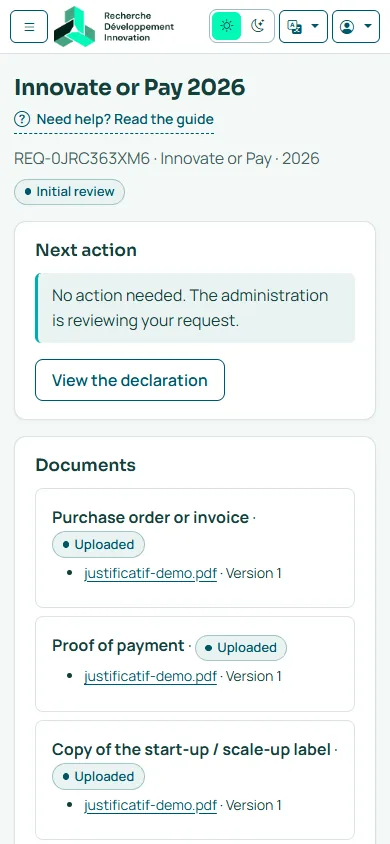
Open the request from My requests. The Next action box tells you whether anything is expected from you.
- Draft
- Being prepared, not sent.
- Submitted / Under review
- Received by the administration; no action needed from you.
- Additional information required
- The administration is waiting for a response or a document from you (respond).
- Approved / Document issued
- Decision made; the official document is downloaded from the request.
- Closed as Néant
- Automatic closure after the correction period expires (see this case).
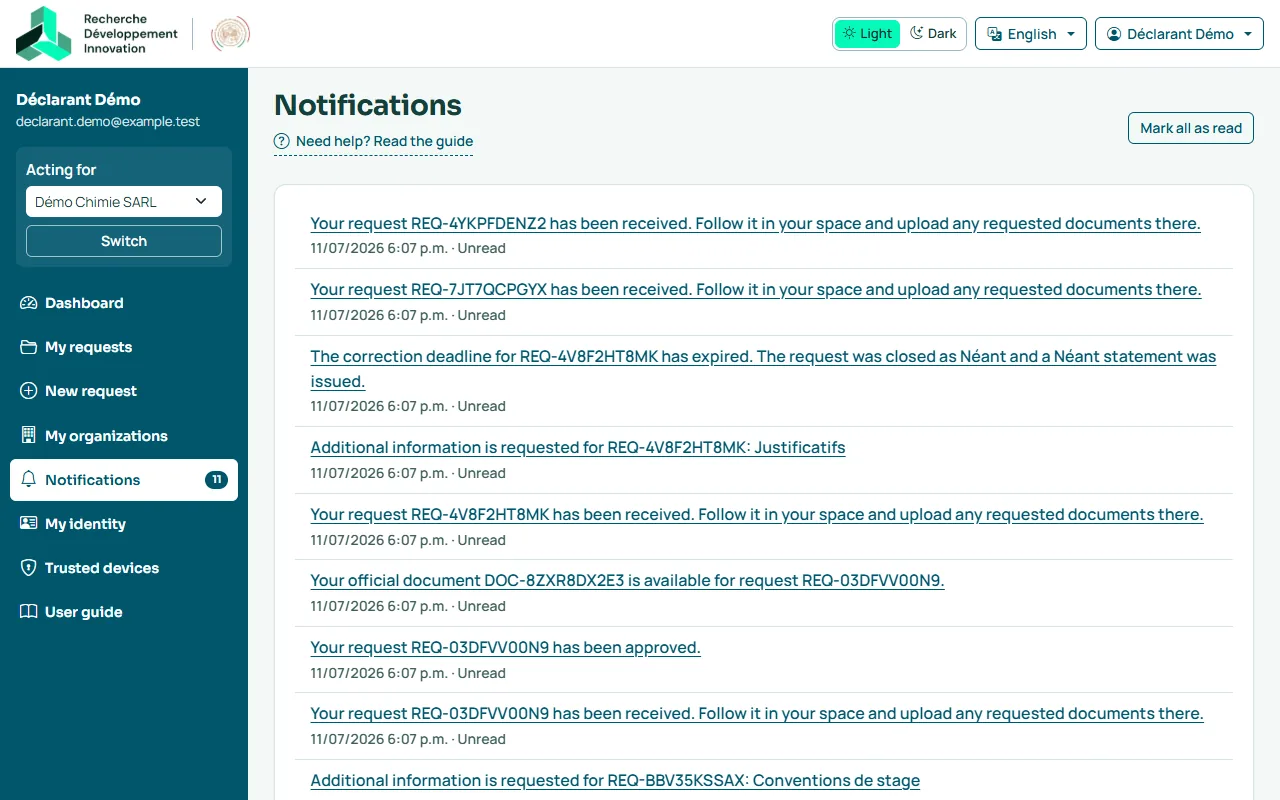
Notifications
The Notifications bell in the menu shows the number of unread messages: request received, status change, information requested, document issued, reminders before deadlines. Each notification is also sent by e-mail and links to the request concerned.