


PDF documents, QR and verification
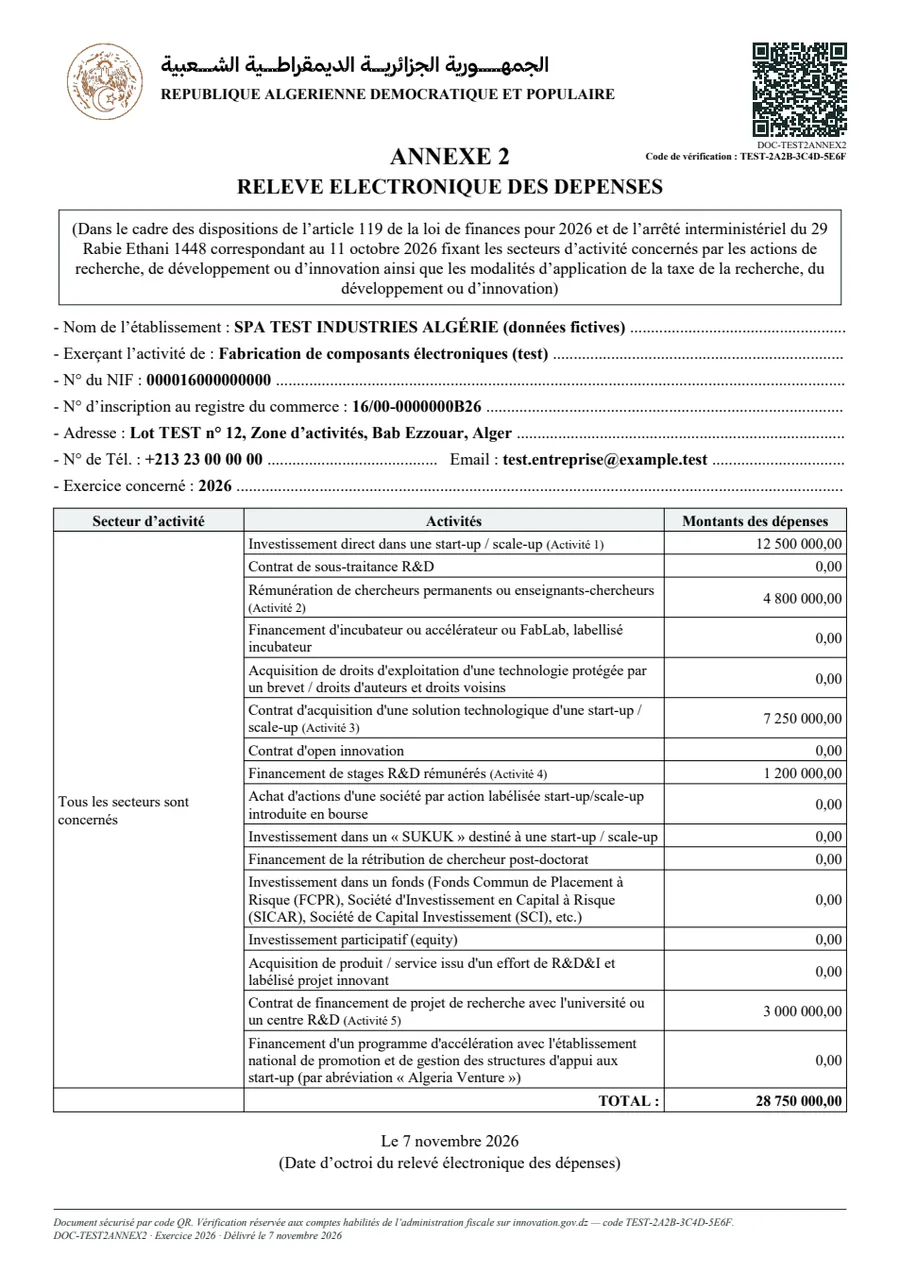
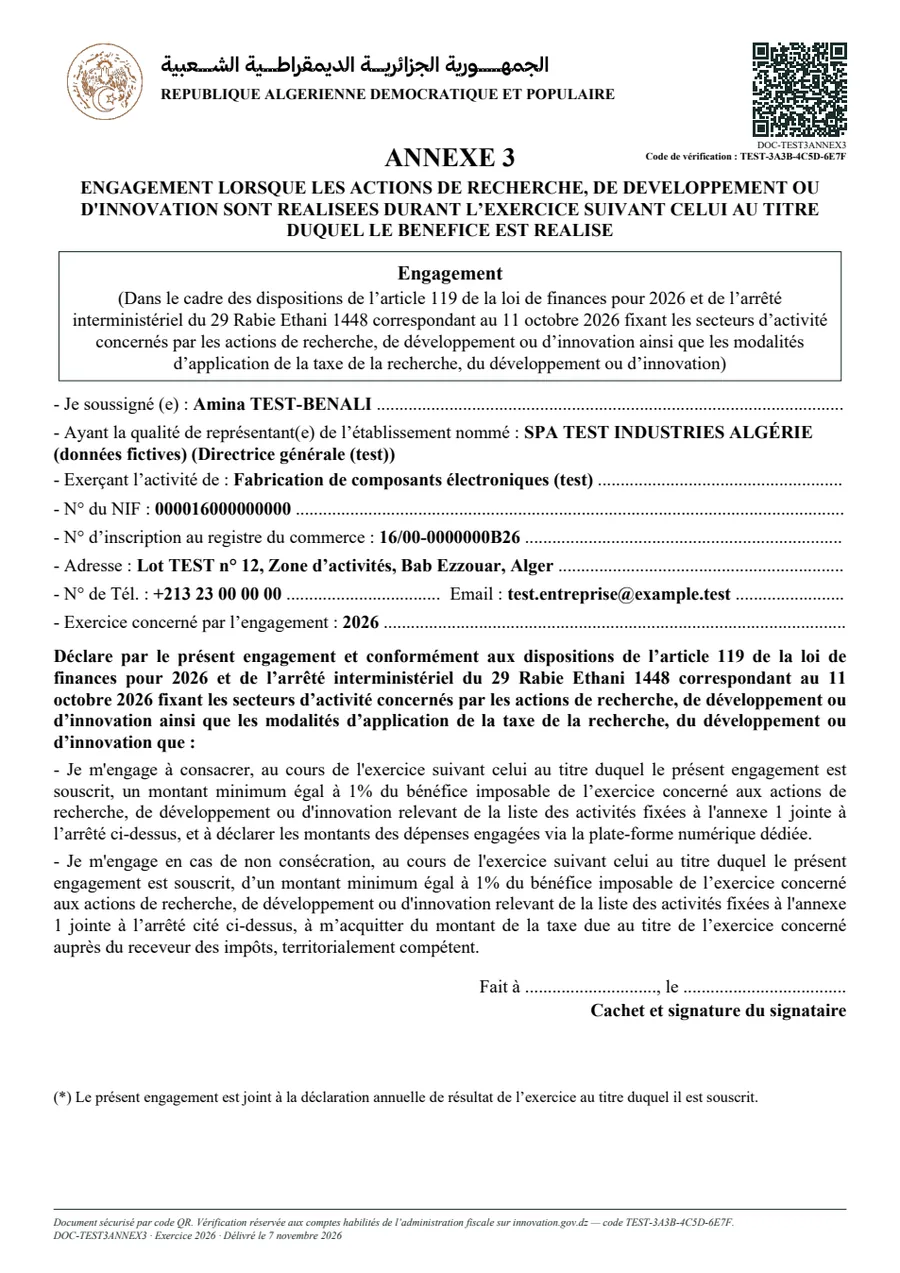
The official Innovate or Pay documents are one-page PDFs following the regulatory model, carrying a QR code and a verification code from the moment they are created.
Official documents
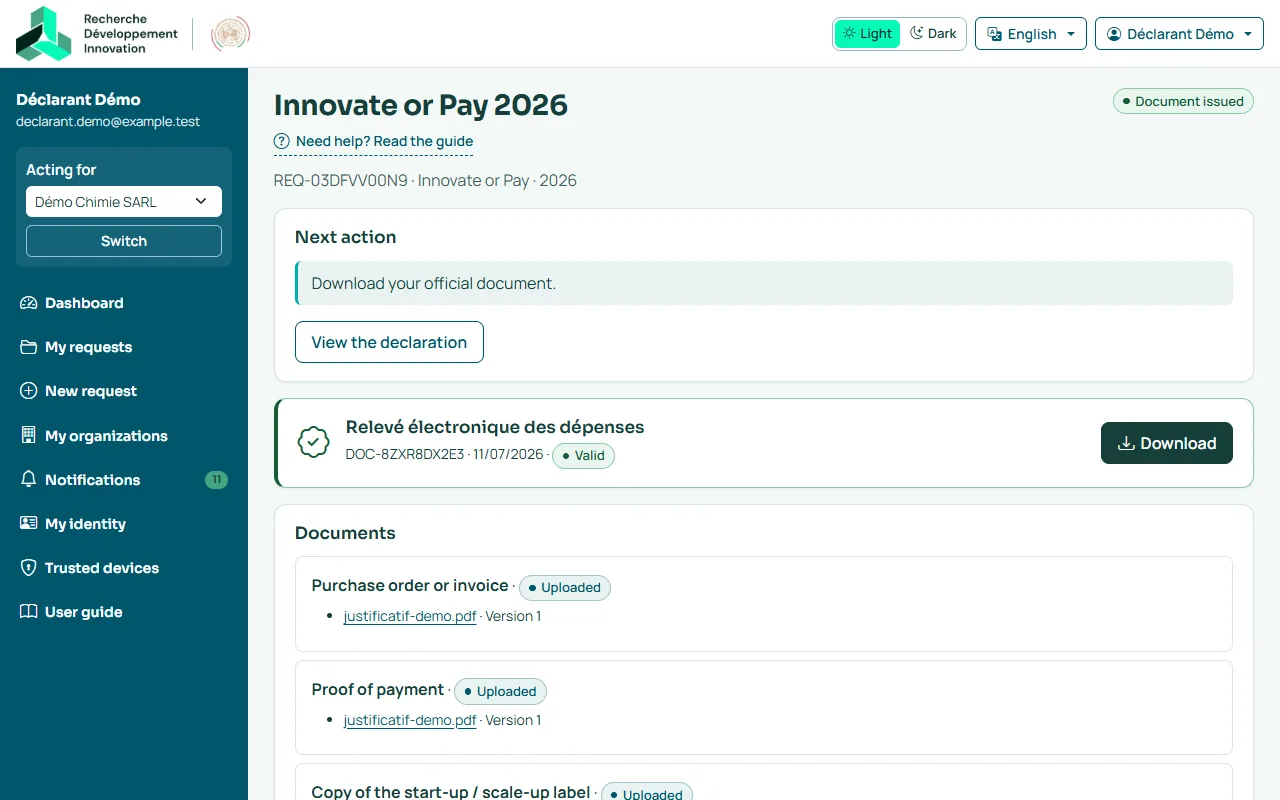
After the decision, the request shows its Documents with a Download button. The documents are one-page PDFs following the official model, with QR code and verification code.
QR code, verification and payment
What are the QR code and the verification code for?
Each official document carries, from the moment it is created, a QR code and a printed verification code. They allow the tax administration to check its authenticity; this check is reserved for its authorised officers. Do not alter the document.
After the decision: documents and payment
After approval, the electronic expenditure statement (annex 2) is downloaded from the request. When tax is due, upload the payment receipt in your space within 10 days of payment.